Cut the dead air. Keep the performance.
Find dead air and filler words. Review every suggested cut. Get a native Final Cut timeline back, word-timed captions included.
Your video never leaves your Mac. Only the audio does, and Private Mode sends nothing at all.
Back from the shoot. 9 takes, 8 silences between them. Watch the silences close. 8 cuts suggested for your review. Captions land on every word. 52 seconds → 31 seconds. Dead air found, captions written. Every cut still yours to approve. A demo of the feature, scrubbed by your scroll.
Screen by screen, in the order the work happens.
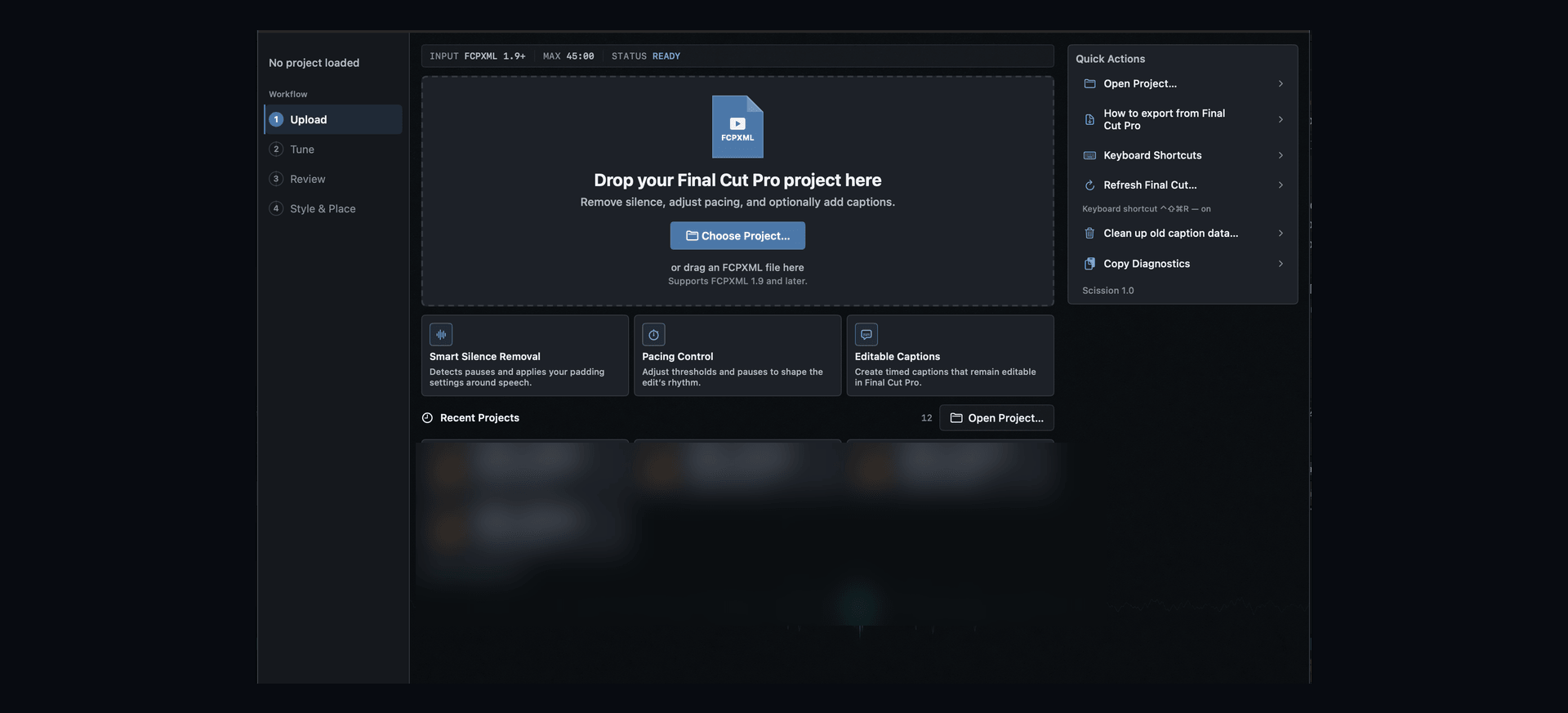
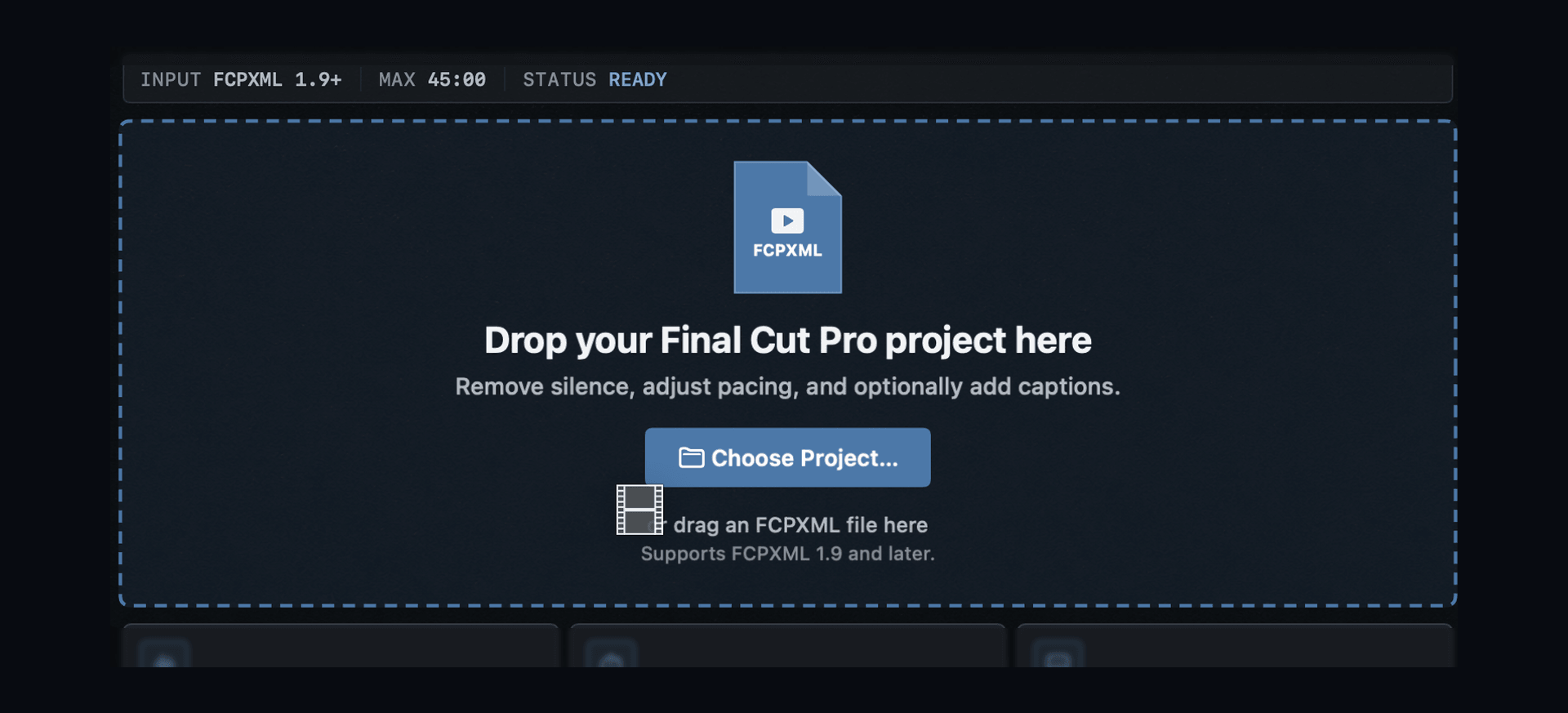
Open Scission
The window opens on step one of four. A drop zone, and nothing loaded yet.
Want this in your edit bay?
Native captions arrive at the end. Scission starts earlier.
Scission works on the cut itself, on the silence and the filler, before any caption exists. Captions are the finish, not the feature.
It finds the pauses. You decide what stays.
It starts from a transcript with a timestamp on every word.
- 01Every word timestamped
- 02Reads each clip's own noise floor
- 03Keeps the word when unsure
You decide where transcription happens.
Two options, and the difference between them is real. Pick the one that fits the job.
Default
Audio is sent for transcription.
The more accurate of the two. Every cut and every caption timing is built on that transcript.
The audio leaves your Mac, as a 16 kHz mono WAV.
Private Mode
Nothing leaves your Mac.
Transcription runs on your own machine instead.
Slower, and somewhat less accurate than the default.
Your video never leaves your Mac either way. Transcripts are deleted from the transcription service after each job.
Every cut is proposed before it is made.
- 01Tuned to each clip's own noise floor
- 02Filler or verb: kept when unsure
- 03Plain-English direction
Punchy Reels. Heavy, tight, all caps. The active word jumps.
Captions in your style, timed to the word.
Timed from the actual speech
Every font on your Mac
Five presets, or save your own
Review everything. Then return to Final Cut.
- 01
Send your timeline
Read locally, from FCPXML.
- 02
Tune
Pick an environment. Set how hard to cut.
- 03
Review
Fix any word before anything is placed.
- 04
Return to Final Cut
Native titles, or an SRT.
Per-word confidence flags
Pacing & Readability, from real timings
And the small things.
- 01A Cut Style slider, Gentle to Aggressive
- 02Recording profiles for studio, office and outdoor
- 03Breath and mouth-sound reduction
The facts.
- A Mac with Apple silicon.
- 26.3 or later.
- 12.1 or later.
- Version 1.9 or later.
- Primary-storyline timelines using standard and compound clips. Multicam, synced clips and titles in the timeline aren't supported yet. Scission refuses them with a clear message rather than processing them incorrectly.
- Up to 45 minutes. A warning appears above 15.
- English only.
- Native Final Cut titles, or SRT.
- Every font on your Mac.
- Your video. The project is read locally, from FCPXML.
- The audio only, as a 16 kHz mono WAV, for transcription. Transcripts are deleted from the transcription service after each job.
- Nothing is sent at all. Transcription runs on your machine.
- Free during beta.Pricing at launch
Ship tighter cuts, sooner.
In final testing. One email when access opens, and nothing else.
Requires a Mac with Apple silicon and Final Cut Pro.
Free early access, including one hour of editing.
Built by an editor, for editors.
Built by a working filmmaker who was done tightening dialogue by hand.